Start a workout with your Trackers
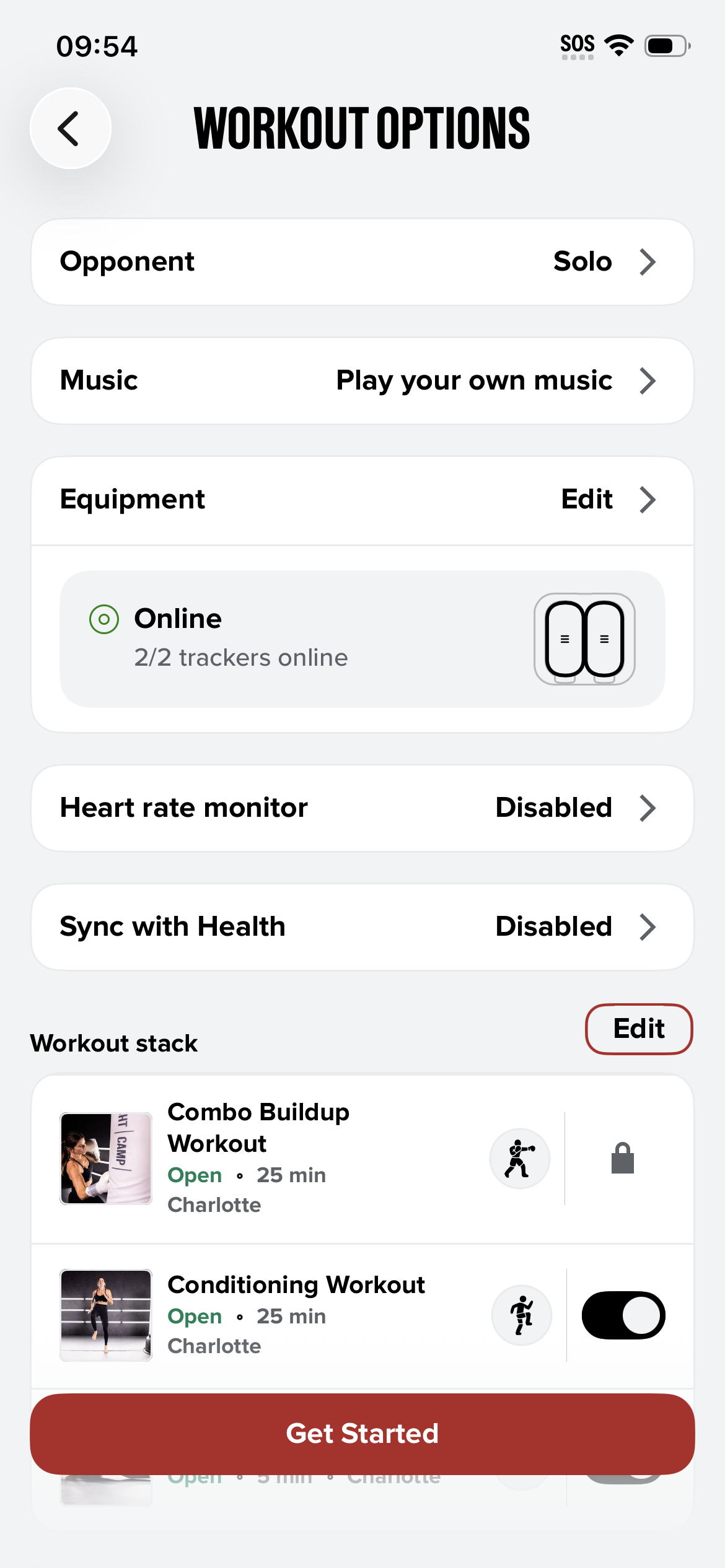
Choose a workout and open Workout Options.
Under Equipment, check that your Trackers show Online (2/2 for boxing, 4/4 for kickboxing). If needed, to change equipment, tap Edit and connect your equipment.
Tap Get Started.
Take your Trackers out of the Dock, put them in your wraps, and follow the on-screen prompts to start.
After your workout, put the Trackers back in the Dock so they're charged for next time.